A compass that points the wrong way is misbehaving. A compass that shows nothing at all, a needle frozen at zero, an app that opens to a blank dial, or a phone with no compass anywhere in it, is a different fault tree entirely, and the fixes are different. This guide is a ladder: rungs in the order that real cases resolve, each rung with a test that either fixes the problem or proves the cause lives higher up. The wrong direction problem has its own guide, why is my phone compass wrong; this page is for the dead, the frozen, and the missing. Do not start at the top: the first rung, absurd as it sounds, resolves more cases than all the others combined, because a surprising number of phones were sold without the sensor at all.
Home / Map Skills for Travel and Outdoors
Phone Compass Not Working: The Dead Compass Ladder, From Missing Sensor to Hardware
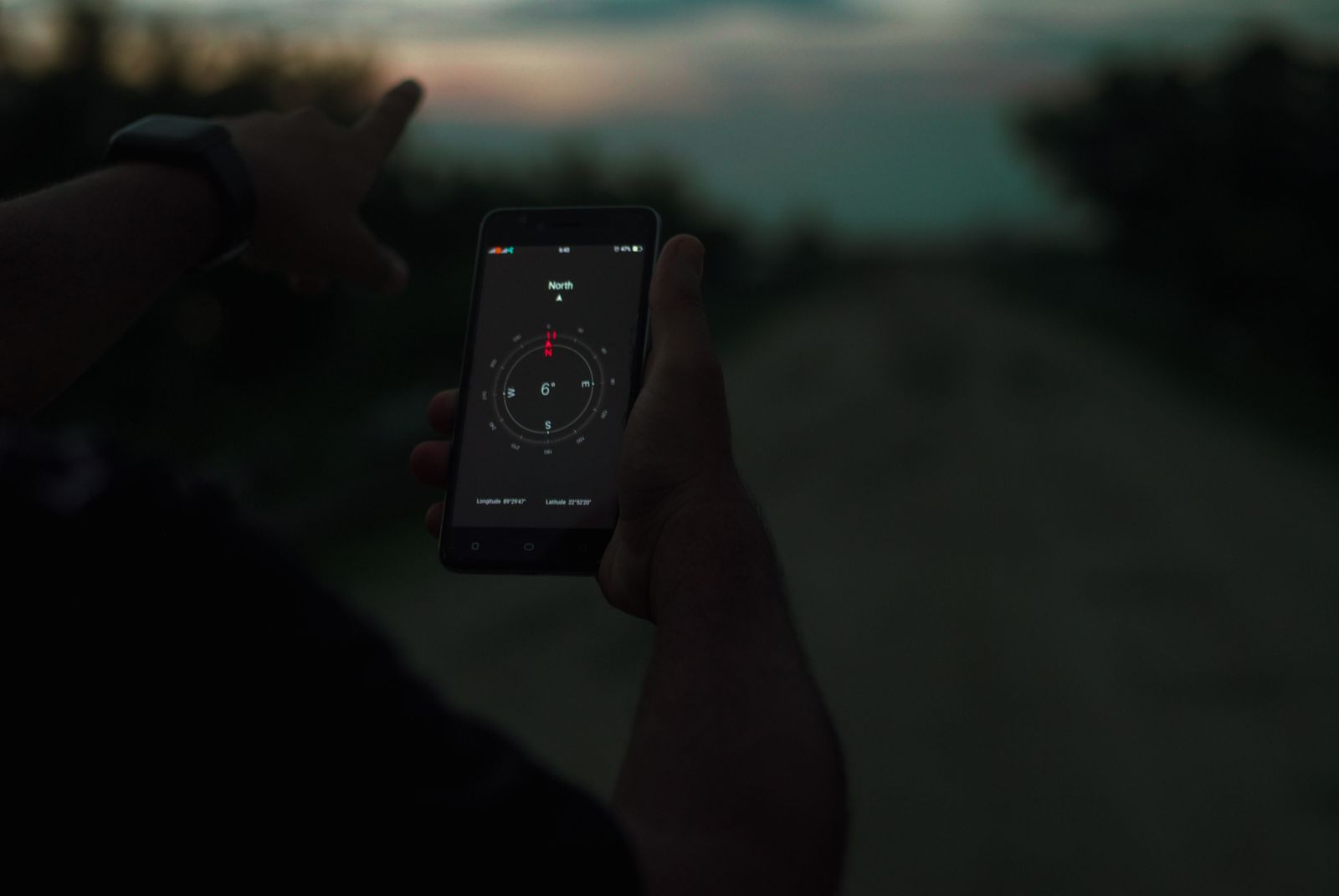
Photo: Khan Nirob / Pexels
Interactive tool
Dead Compass: The Ladder
Check off each step as you finish it. Your progress stays on this page.
0 of 7 complete
0% done
Rung One: Prove the Phone Has a Magnetometer
A compass needs a magnetometer, and unlike the accelerometer (universal, because screens must rotate), the magnetometer is a cost option that budget phones quietly omit. Entire popular budget lines have shipped without one, which is why the SERP for this problem is full of owners of inexpensive Android phones discovering that no app can fix an absent chip: a compass app on a phone without a magnetometer can only fake heading from GPS movement, standing still it has nothing to measure. The test takes one minute: install a sensor diagnostic app (search "sensor test" or "device info" in your store) and look for Magnetic Field in its sensor list, or check your exact model's specification page for "compass" or "magnetometer" in its sensor list. If the sensor is absent, the ladder ends here with an honest verdict: the phone cannot do compass work standing still, full stop. Your options are GPS based heading while moving (map apps show direction of travel from position changes), a physical compass for trail work, or a different phone. Everything below assumes the test found a sensor; if it did not, no rung above exists for you, and knowing that today beats discovering it on a mountain.
Rung Two: The Sensor Exists, but There Is No Compass App
The second most common case is almost as simple: the phone has the magnetometer but ships without a compass app, a situation Samsung owners meet often, since many Galaxy models carry the sensor while the compass lives only inside the Edge panel's tools or not at all on the home screen. The fix is to install a compass app from the store, any well rated one, since they all read the same sensor, and check whether the needle lives. If a fresh app reads headings correctly, your problem was never a fault: the hardware was waiting for software. While you are in the store, note that map apps use the sensor independently of any compass app, so a missing compass app never explained a wrong heading inside Google Maps; it only explains a missing dial. If the new app also shows nothing or a frozen needle, climb on: the sensor exists on paper, and now we find out whether it is being allowed to work.
Rung Three: Permissions, Battery, and the Frozen Needle
A present sensor can still be starved. Work these three checks. Permissions: compass and sensor adjacent apps may need location permission to show a true north heading and to run at all on some builds; grant it and retest. Battery restriction: aggressive battery management can freeze sensor delivery to background or even foreground apps on some Android skins; set the compass app to unrestricted battery use, turn battery saver off for the test, and watch whether the needle wakes. The frozen needle itself: if the reading is stuck at one value while you rotate the phone in your hand, perform the figure eight calibration (wave the phone in a figure eight through all axes for twenty seconds, outdoors, away from cars and magnetic cases), which unsticks more frozen compasses than any other single act; our calibrate cell phone compass guide gives the full procedure and the accuracy check that follows it. A needle that frees after calibration was a calibration casualty, commonly after a drop, a case change, or a system update scrambled the sensor's model of the phone. A needle that stays frozen through all three checks climbs to rung four.
Rung Four: Software, Cache, Updates, and the Sensor Readout
Now interrogate the software stack. Clear the compass app's cache (or simply test a second, freshly installed compass app, which amounts to the same experiment): if the second app works, the first app's data was the fault, and clearing or reinstalling it is the cure. Update the system and the apps: sensor bugs after major OS updates are a documented pattern, and the fix usually arrives as a patch; check for pending updates before concluding anything is broken. Then go to the evidence that ends arguments: a sensor readout. The diagnostic app from rung one shows the magnetometer's live values in microtesla on three axes. Rotate the phone slowly in an open space: healthy values change smoothly on all axes, and the total field strength sits inside the Earth's range of roughly 25 to 65 microtesla. Values stuck at zero, pinned at a maximum, or a total field wildly outside the Earth's range in an open field mean the sensor is reporting nonsense or nothing, and no app setting will save it. That readout is the border between rung four and rung five: software above, hardware below.
Special Cases the Search Results Keep Raising
The variant questions folded into this guide deserve their answers in one place. Samsung phones: sensor present, app often absent or tucked into the Edge panel tools; install a compass app and the "fault" usually evaporates, which is why the Samsung version of this query is the ladder's happiest ending. Budget lines such as the CMF and Nothing phones and similar value models: check rung one before anything else, because this segment is where omitted magnetometers concentrate, and a widget that shows no heading on such a phone is reporting the specification, not a bug; the widget can only display what a sensor measures. "Not working today" cases, where a compass that worked yesterday fails this morning: think update or environment before hardware, recalibrate after any system update as a matter of routine, and test in a different location, because a new magnetic presence in your usual spot (a moved speaker, a new mount, a parked car) arrives "today" too. Reset requests: there is no compass reset button as such; the reset the question wants is the combination on this ladder, recalibration, app cache clear, and, as the last software resort, the phone's settings reset, each of which restores a default the sensor stack can rebuild from. Naming the variant you have is most of the cure, because the variants share a symptom and nothing else.
Rung Five: Hardware, Drops, and the Honest Endings
Hardware failure is the last rung because it is the least common and the most expensive, but it is real: magnetometers die in hard drops, in water ingress, and occasionally in repairs where a magnetized screw or a replacement part lands beside the sensor. The signature is the rung four readout misbehaving in a clean environment on a fully updated phone, often alongside a history: the compass died after something happened to the phone. Your options, in order of cost: live with GPS heading for driving (navigation works fully while moving; only standing still orientation is lost), use a physical compass for the standing still cases (a decent baseplate compass costs less than any repair and never needs charging), or repair the phone, which for a sensor alone is rarely economical outside warranty. One more honest ending belongs here: if the phone is a recent purchase and rung one found no magnetometer, that is not a defect but a specification, and your remedy is the retailer's return window, not the repair shop. The ladder's purpose is to get you to the right ending without paying for the wrong ones: sensor absent, app absent, permission, calibration, software, hardware. Six endings, five of them free.
Related Guides
The closest companions to this guide are the travel and outdoors map skills guides below. Each one picks up a thread this page starts:
- Compass Directions: The 4, 8, 16, and 32 Points of the Compass Rose, With Degrees: Compass directions are a naming system laid over a circle.
- Compass Directions Names: All 32 Points of the Compass, Explained: The compass rose is a naming system with a grammar: 4 cardinal points, 4 ordinal points, 8 half-winds, and 16 quarter-winds make the 32 points,...
- How to Find North With a Compass: The One Task, Done Exactly: Finding north with a compass is a single task with a short procedure and a long list of ways to spoil it.
Frequently Asked Questions
Why does my phone not have a compass?
Either the compass app is missing while the sensor exists (common on Samsung models, fixed by installing any compass app), or the phone was built without a magnetometer, which many budget Android phones omit to save cost. A sensor diagnostic app settles which case you have in one minute.
How do I check if my phone has a magnetometer?
Install a sensor test or device information app and look for Magnetic Field in the sensor list, or check your exact model's specifications for compass or magnetometer. If the sensor is listed and reports changing values as you rotate the phone, the hardware is present and working.
My compass needle is frozen. What fixes it?
First recalibrate with the figure eight motion outdoors, away from magnetic cases and cars. Then check the app's permissions and battery restrictions, test a second compass app, and look for system updates. A needle still frozen after all four steps, with a sensor readout showing stuck values, points to hardware failure.
Can a phone without a magnetometer show direction at all?
Yes, while moving: map apps derive heading from successive GPS positions, so driving and walking navigation orient correctly. What it cannot do is show heading while standing still, because there is no sensor measuring the Earth's field. No app download changes this; it is a hardware fact.
My compass worked until my phone was dropped or updated. What now?
After an update, recalibrate and check for a follow up patch; update scrambled calibration is common and curable. After a drop, run the sensor readout test: if the magnetometer's values are stuck or absurd in an open field, the sensor is likely damaged, and the practical endings are GPS heading, a physical compass, or a warranty repair.
Photo credits: Khan Nirob (Pexels); Monstera Production (Pexels). Photos are served from this site; follow the credit to the library page for the original.