Most comparisons treat Google Maps and Waze as rivals from different worlds. They are siblings: Google bought Waze on June 11, 2013, and has run both ever since, deliberately keeping their instincts apart. Waze does one thing, driving, and feeds on its crowd. Google Maps does everything, and feeds on its database. Choosing between them is not about which is better software; it is about which instinct matches your drive. This guide scores the pair on driving axes only, and the checklist below sorts drivers faster than any feature table.
Google Maps vs Waze: Same Owner, Opposite Instincts
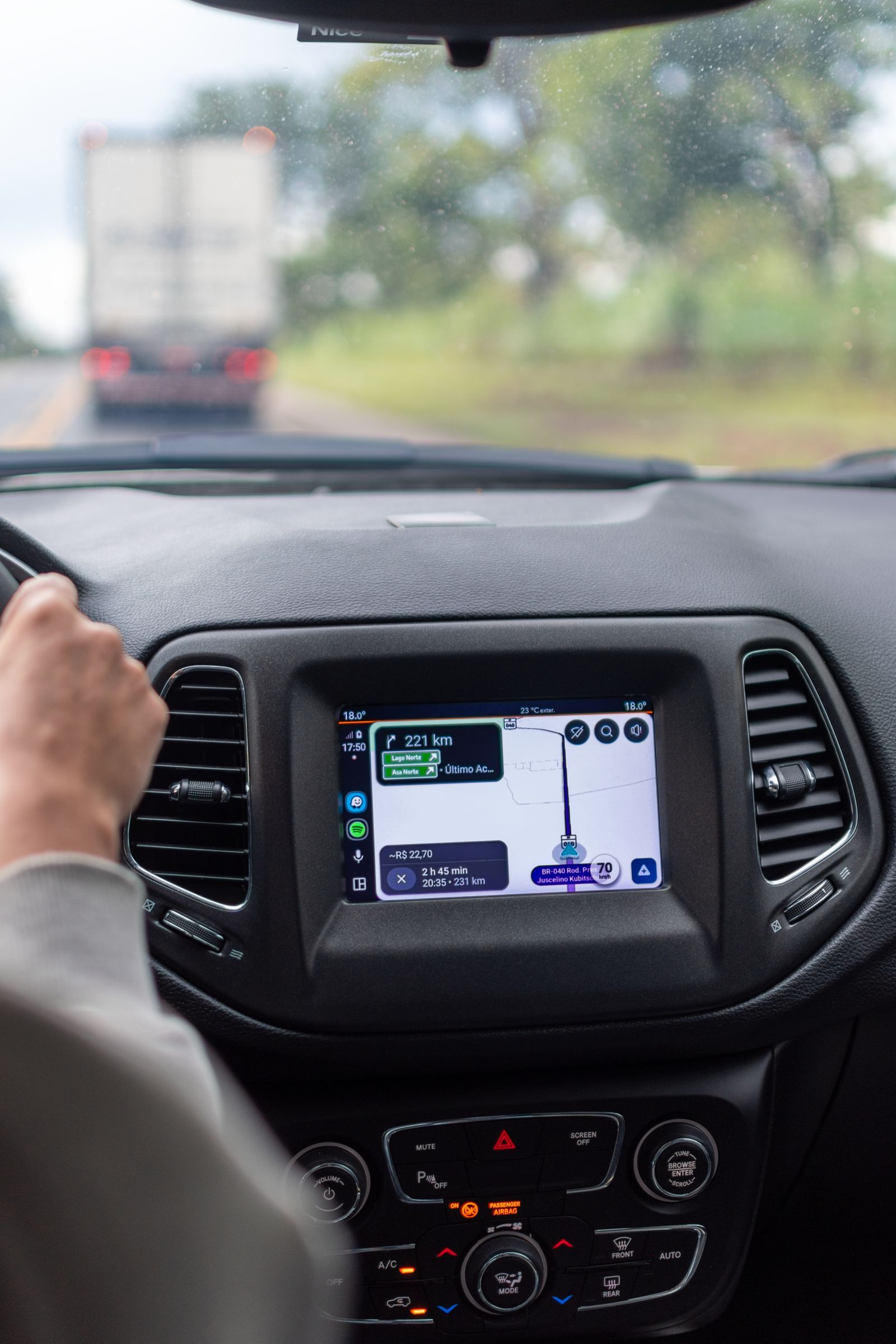
Photo: MESSALA CIULLA / Pexels
Interactive tool
Maps or Waze: The Driver Checklist
Check off each step as you finish it. Your progress stays on this page.
0 of 6 complete
0% done
The One Paragraph Version
Waze learns about the road from the drivers on it, minutes after things happen, and it cannot plan a new route without a connection. Google Maps learns about the world from the deepest place database ever assembled, downloads whole regions for offline driving, and treats incident reports as one input among many. If your driving life is a commute in a busy metro, Waze's crowd is probably denser than your traffic is predictable, and it wins. If your driving life includes trips, errands, new cities, and dead zones, Maps is the safer default, and it wins. Everything below is the evidence for those two sentences.
Axis by Axis
| Axis | Google Maps | Waze | Edge |
|---|---|---|---|
| Incident alerts | Reports from users, growing set | The deepest crowd reporting anywhere | Waze |
| Traffic rerouting | Strong, data blended | Aggressive, crowd fed, fastest reactions | Waze in metros, tie elsewhere |
| Offline | Downloaded areas, driving directions | No new routes without a connection | Maps, decisively |
| Place search | Hours, reviews, photos, the full database | Basic, driving oriented | Maps, decisively |
| Multi stop routes | Up to 9 stops | Not a trip planner | Maps |
| Walking, cycling, transit | Full support | Driving only | Maps |
| Interface at speed | Calmer, fewer popups | Alert rich, busier | Taste |
| Data appetite | Account culture, location history | Account required, crowd culture | Tie, both Google |
Incident alerts. Waze's reporting is its founding idea: crashes, police, hazards, roadworks, and closures, confirmed and cleared by drivers passing through. Google Maps has absorbed many of the same report types, and the gap narrows every year, but in a dense metro the Waze crowd still sees things first. In rural country the equation inverts: a crowd system with few drivers reports little, and Maps' blended data holds up better. Rerouting. Waze reroutes aggressively, sometimes through residential streets, which is both its genius and its controversy; Maps reroutes conservatively and keeps you on larger roads longer. Commuters split by temperament on this axis alone. Offline. This is the decisive technical difference. Maps downloads regions and keeps driving directions alive with no signal. Waze needs a connection to calculate a route; an already running route can coast through a short dead zone, but a trip that starts in one cannot be planned at all. Everything that is not driving. Waze simply does not compete: no transit, no walking directions worth the name, no place research. Maps is the atlas. If the app must also be your guide on foot at the destination, the contest ends here.
The Data Question, Stated Plainly
Both apps are Google products, both want an account, and both consume location data as fuel. Waze's social layer adds a visible crowd identity to that bargain; Maps folds your data into the wider Google location ecosystem. Neither is the privacy pick, and drivers who want out of the bargain entirely should look at the offline open data apps in our best map app guide. Within the pair, the honest summary is that you are choosing which Google database to feed, not whether to feed one.
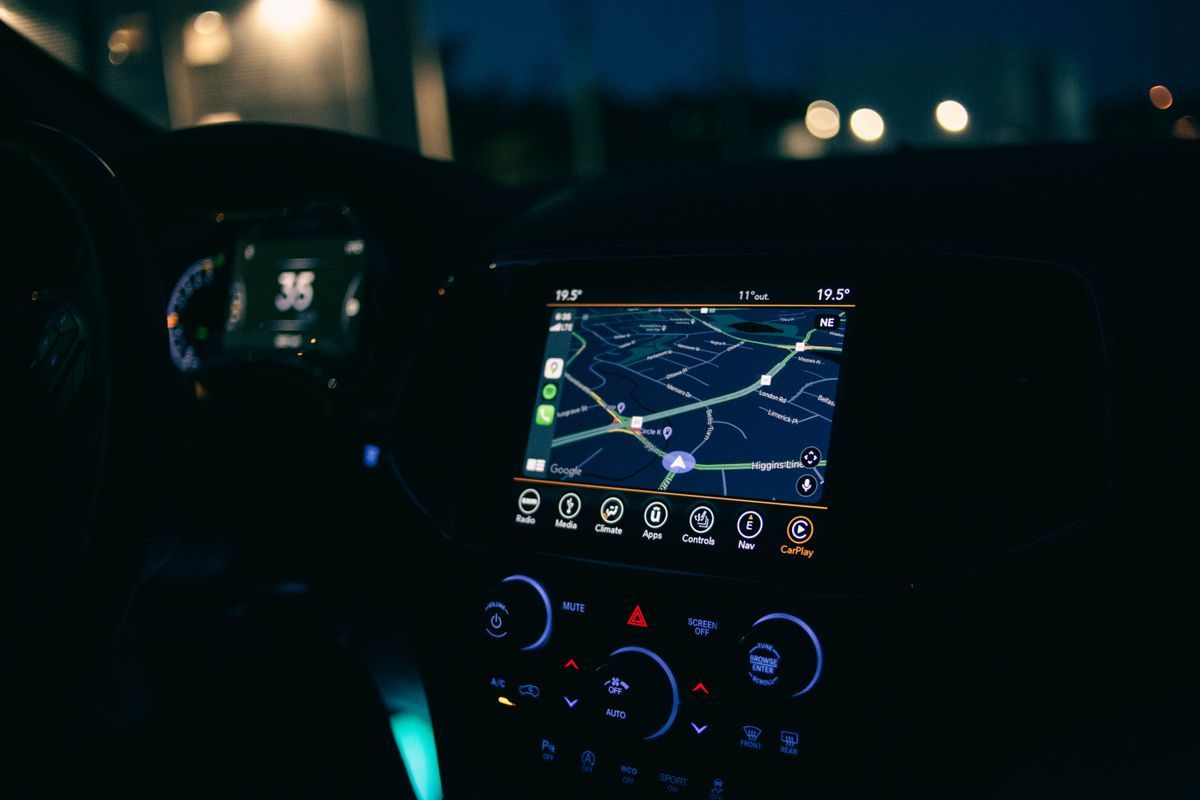
The Two App Setup Most Drivers Land On
Run Waze for the daily commute, where its crowd is densest and its alerts pay rent every week. Run Google Maps for everything else: trips, errands with stops, new cities, and any drive that crosses thin signal country, with the route's regions downloaded before departure. Set Waze as the car screen commuter and Maps as the default everywhere else, including Android Auto, and the pair stops competing and starts specializing. The setup costs nothing, takes ten minutes, and is what most two app drivers actually converge on after a month of testing both.
Verdicts by Driver
The metro commuter: Waze, provided your city's crowd is active; test it for a week and count the alerts that arrived before the radio mentioned them. The road tripper: Google Maps, for offline insurance, multi stop days, and place research at the destination. The rural driver: Google Maps, because a crowd of nobody reports nothing, and downloaded maps do not care. The new city visitor: Google Maps, the only one of the pair that keeps helping after you park. The tall vehicle driver: neither, because neither knows your height; that problem belongs to the RV travel apps. Drivers choosing a phone default beyond this pair should read the best map app for driving roundup, and iPhone owners have their own version of the contest in the best map app for iPhone.
A Week of Testing: How to Run Your Own Trial
Do not choose on reviews, including this one; choose on your own commute, because crowd density and road layout are local facts. Run Waze for three commutes and Google Maps for three, same route, same departure time. Score four things. Alert earliness: how many incidents did the app name before you could see them? Reroute quality: when it diverted you, did the diversion actually save time, or did it trade a highway delay for residential stop signs? Arrival honesty: compare the predicted arrival at departure with the real one; the app that lies less earns trust. Dead zone behavior: if your commute crosses a signal gap, note which app kept its composure. At the week's end most drivers find the split this guide predicts: one app owns the commute, the other owns everything else. The trial also teaches a subtler lesson: Waze's value scales with your city's driver density, so a verdict imported from another city's review, in either direction, is evidence about that city, not yours.
The Feature Drift Problem
Any comparison of these two carries an expiry date, because Google keeps moving features between them. Incident reporting arrived in Maps years after Waze pioneered it; speed limit displays, hazard confirmations, and alert types have crossed over one by one, and the traffic data underneath has blended steadily. What has not crossed, and shows no sign of crossing, is the structural divide: Waze remains driving only, online dependent for routing, and crowd first; Maps remains the everything atlas with offline driving and the place database. Judge the pair on the structure, which is stable, rather than on any single feature, which may migrate next quarter. This guide's verdicts are structural for exactly that reason, and where a feature matters to you specifically, check it in the current app before switching; the settings menus of both change faster than any article can track.
The International and Edge Cases
Abroad, the contest tilts. Waze's crowd is enormous in some countries, Israel, Brazil, and much of Latin America run on it, and thin in others where local apps or Maps dominate; the same density rule as at home applies, just with a foreign answer. Google Maps' offline downloads become the traveler's insurance in a way they never are domestically, because roaming dead zones and expensive data punish Waze's connection dependence first. Speed camera and enforcement alerts, a Waze signature, are restricted or illegal to use in a few jurisdictions, and both apps adjust their features by country, which is why a feature your home review praised may simply not exist at your destination. Truck and RV drivers exit this comparison entirely, as established: neither app knows a vehicle's size, and the RV travel guide owns that problem. Cyclists and transit riders exit too, into Maps by default, since Waze never entered their contest at all. Edge cases clarify the center: two driving apps, one crowd, one atlas, and a driver whose week contains both kinds of road should run both kinds of app.
Related Guides
Readers working through this topic usually need its closest companions too. These map app guides cover the neighboring ground:
- Google Maps Saved Places: Favorites, Want to Go, Starred, and Your Own Lists: Saving a place in Google Maps is one tap, but where the place lands decides whether you ever find it again.
- Google Maps Speed Limit: The Two Switches, the Rollout, and Why the Posted Sign Wins: Google Maps can show the speed limit of the road you are on and your current speed beside it, but only while you are navigating, and only where...
- Google Map to Image: Save, Print, Embed, or Generate a Map Picture: Getting a Google map out as an image is four different jobs wearing one search query.
Frequently Asked Questions
Is Waze owned by Google?
Yes. Google acquired Waze on June 11, 2013, and has operated it as a separate app ever since. The two share some data and report types, but they keep different interfaces, different routing instincts, and different feature sets on purpose.
Which is more accurate for traffic, Google Maps or Waze?
In busy metros, Waze usually reacts first because its drivers report incidents directly and its rerouting is aggressive. On rural roads and in smaller towns, the advantage disappears, and Google Maps' blended data is at least as good. Both read the same phone GPS, so position accuracy is identical; our guide to why your location is not accurate covers the receiver side.
Does Waze work offline?
Not for planning. Waze needs a connection to calculate a route. A route already in progress can survive a short signal gap, but you cannot start a new trip in a dead zone. Google Maps, with areas downloaded in advance, gives full driving directions offline, which is the pair's biggest practical difference.
Which uses more battery and data?
Both are heavy navigation apps; Waze's constant crowd reporting and busier screen tend to edge it higher on long drives, while Maps spends data on map detail and place content. On any drive over an hour, a charger matters more than the choice between them.
Can Waze do multi stop trips?
Not as a planner. Waze is built around one destination at a time, while Google Maps routes up to nine stops in one trip. Errand days and delivery style routes belong in Maps, or in the two app setup this guide recommends.
Can I switch between Google Maps and Waze mid route?
Yes, and the two app setup encourages it. If Waze loses the thread in a dead zone, open the same destination in Google Maps with its downloaded area and continue; if Maps feels blind on a commute gone wrong, Waze's crowd may already know why. The destination is the only state that matters; the route itself is recomputed fresh by whichever app takes over, so switching costs seconds, not the trip.
Photo credits: MESSALA CIULLA (Pexels); Erik Mclean (Pexels). Photos are served from this site; follow the credit to the library page for the original.