Ask a room of iPhone owners for the best map app and you will start an argument, because the honest answer is that three apps divide the crown and the right one depends on your week. Apple Maps is the app your iPhone assumes you use: it is the default, it is wired into Siri, CarPlay, Messages, and the lock screen, and it has quietly become excellent. Google Maps is the app with the planet's deepest database of businesses, reviews, photos, and hours, built over two decades. Waze is a driving-only alert network that trades everything else for the fastest incident reports in traffic. This guide scores them on the axes that are specific to iPhone ownership, then names a winner for each kind of user, because "best" without "for whom" is how the generic rankings you have already read wasted your time.
Best Map App for iPhone: The Honest Pick for Driving, Walking, and Travel
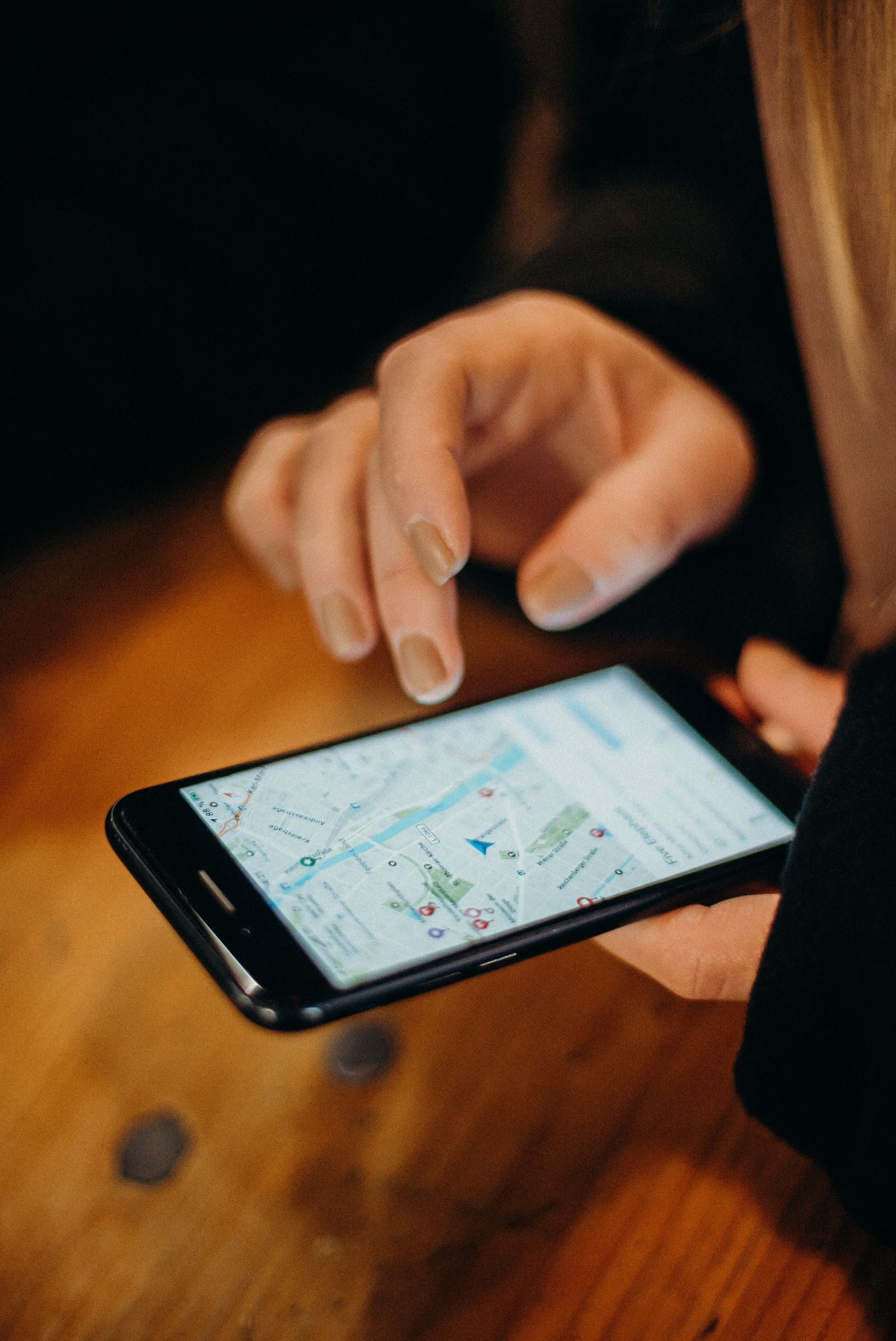
Photo: cottonbro studio / Pexels
Best Map App for iPhone: Decision Checklist
Check off each step as you finish it. Your progress stays on this page.
0 of 7 complete
0% done
The iPhone Specific Axes Nobody Ranks
Default behavior. On an iPhone, Apple Maps is the default map app in the ways that matter daily. Tap an address in Messages, Mail, or Safari and Apple Maps opens. Ask Siri for directions and Apple Maps answers. There is no setting that hands those jobs to Google Maps across the whole system, so choosing Google means choosing to copy addresses by hand or accept a two step open every time. That friction, repeated daily, is the single strongest argument for Apple Maps, and it never appears in feature comparison tables.
CarPlay. All three apps work on CarPlay, and all three fill the dashboard properly. Apple Maps integrates deepest: its directions appear in the CarPlay Dashboard view beside your music, it can share your ETA through Messages with a tap, and its guidance shows on some cars' instrument displays. Google Maps and Waze run as full screen apps on the car display and work well, but the Dashboard split view belongs to Apple.
Privacy labels. Open each app's page in the App Store and read the privacy label, which is Apple's standardized disclosure. Google Maps collects data linked to you across a long list of categories, because Google's business is advertising. Apple Maps states that the data it collects is not linked to your identity in the same way, rotates identifiers, and does not build an advertising profile from your trips. Waze, owned by Google, sits closer to Google's model. If the label matters to you, this axis is not close.
Offline truth. Apple Maps, since iOS 17, lets you download an area and use it offline for driving, walking, cycling, and transit directions, a wider offline set than Google Maps offers on iPhone, where downloaded areas give driving directions but not walking, cycling, or transit routing. Waze has no true offline mode at all; it can hold a route you started while connected, but it cannot plan a new one without a signal. Our offline maps guide explains how the downloads work in each app.
Head to Head: The Three Contenders
| Axis | Apple Maps | Google Maps | Waze |
|---|---|---|---|
| Cost | Free, built in | Free, ad supported business model | Free, shows ads |
| Default app behavior | Yes, system wide | No | No |
| Business listings and reviews | Good and improving | Deepest on Earth | Thin |
| Live incident alerts | Good, crowd reports included | Good | Best in class |
| Offline directions | Driving, walking, cycling, transit | Driving only | No true offline mode |
| CarPlay Dashboard view | Yes | No | No |
| Privacy label | Data not used to track you for ads | Data linked to you, broad categories | Data linked to you |
| Transit directions | Strong in major cities | Strongest city coverage overall | None, driving only |
| Street level imagery | Look Around, fewer cities | Street View, nearly everywhere | None |
Read the table as three different products wearing the same category name. Apple Maps is the operating system's own navigator. Google Maps is a local search engine with navigation attached. Waze is a traffic radio that talks back.
The Pick for Most iPhone Owners: Apple Maps
If your map use is ordinary, directions to addresses people send you, drives with CarPlay, walking routes in your own city, Apple Maps is the right default and it is not a compromise pick. Its turn by turn guidance is calm and clear, its lane guidance and speed limit displays cover major roads, its redesigned maps are genuinely easier to read at a glance than Google's busier canvas, and it asks nothing of you: no account, no setup, no second app to maintain. The historical jokes about Apple Maps date from its 2012 launch; the current app has had more than a decade of rebuilding and it shows. Start here. Add a second app only for a job Apple Maps does not do for you.
The Pick for Searchers and Travelers: Google Maps
Google Maps earns its install the moment your question changes from "take me there" to "what is there." Its business database, with hours, reviews, photos, menus, and busy times, is the deepest local index ever built, and abroad it is often the only app that knows the small places at all. Its Street View coverage dwarfs Apple's Look Around. Travelers, food hunters, and anyone researching an unfamiliar neighborhood should keep it installed even if Apple Maps handles their daily driving. The costs are the privacy label and the default friction described above. Our head to head of Apple Maps vs Google Maps goes deeper on accuracy and features if you want the full comparison.
The Pick for Commuters: Waze as the Second App
Waze does one thing better than both rivals: it hears about the crash, the police car, and the debris on the road ahead sooner, because its entire user base is drivers reporting in real time. For a daily commute on busy highways, that early warning is worth real minutes. But Waze is a specialist. It has no walking or transit directions, no meaningful offline mode, thin place information, and an interface that chatters. The commuter pattern that works is Waze for the work drive, Apple or Google for everything else. Read does Waze use GPS for how it positions you, and note its offline limit before any rural trip.
What About the Other Names?
Organic Maps and OsmAnd, both built on OpenStreetMap data, are the privacy and offline champions: no accounts, no tracking, whole country downloads, and trail detail the big three cannot match. They are covered as the main picks in our best offline map app for walking directions guide. For pure iPhone everyday use their place search is too thin to be your only app, but as a travel backup they are superb. Citymapper beats both giants for transit in the cities it covers. None of these displaces the big three for the general reader; they are second apps for specific jobs.
The Two App Setup Most People End Up With
The pattern satisfied iPhone owners converge on is a default plus a specialist. Apple Maps as the system default for links, Siri, and CarPlay. Google Maps installed for restaurant research and travel. Or, for commuters, Waze added for the weekday drive. Storage is cheap, the apps are free, and the real cost is only the moment of choosing which icon to tap, which the checklist above settles: default jobs to Apple, search jobs to Google, alert jobs to Waze. Pick your pair by your week, not by a ranking, and you have the best map app for iPhone, which was always going to be a personal answer wearing a general question's clothes.
The Ten Minute Setup That Makes Any of Them Better
Whichever app wins your week, a short setup pays rent every day afterward. Save home and work in your chosen default, because "directions home" becomes a one tap and one sentence command in the car and on the lock screen. Download your home region for offline use while you are on Wi-Fi; the day a tunnel, a dead zone, or a foreign arrival hall removes your signal, the download is the difference between a shrug and a problem. Star the ten places you actually go, your people's homes, your office, your gym, your airport, so starting a route never involves typing an address again. Then open Settings and read your app's privacy controls once: Apple Maps offers controls for ratings and photos contributions and keeps your trips on device by design, while Google Maps offers auto delete for location history at three, eighteen, or thirty six months, a setting worth choosing deliberately rather than inheriting. Finally, check the App Store privacy label of any map app you install from now on. It takes twenty seconds, it is written in plain language, and after this article you know exactly which lines on it matter.
Related Guides
The closest companions to this guide are the map app guides below. Each one picks up a thread this page starts:
- Best Walking Map App: The Right Pick for Your Kind of Walk: The best walking map app depends on the walk: a new city on foot, a step-free route, a countryside path, or a foreign trip with no data.
- Google Maps: How to Scan a QR Code (and How to Make One for Your Location): Google Maps has no QR scanner built in, and it does not need one.
- Google Maps Zoom Levels and Scale: What Each Zoom Number Shows on the Ground: Google Maps zoom is a number, usually from 0 to about 21, and each step doubles how much ground detail fits on screen.
Frequently Asked Questions
Is Apple Maps better than Google Maps on iPhone now?
For everyday navigation, yes, for most owners. Apple Maps is the system default, integrates with Siri and CarPlay Dashboard, carries the cleaner privacy label, and offers wider offline directions. Google Maps remains better for business listings, reviews, and Street View coverage, which is why most owners keep both and use each for its strength.
Can I make Google Maps my default map app on iPhone?
Not system wide. Addresses tapped in Messages, Mail, and Safari open in Apple Maps, and Siri directions use Apple Maps. Some individual apps offer their own in app choice, and Google's own apps prefer Google Maps, but iOS gives no global default map setting. The practical workaround is a home screen shortcut habit, or accepting Apple Maps for tapped links.
Which map app uses the least battery on iPhone?
In ordinary use the differences are small next to the screen itself, which is the main drain in navigation. Waze tends to draw more because of its constant reporting and animated interface. Downloading offline areas in Apple Maps or Google Maps and dimming the screen on long legs saves more battery than switching apps does.
Is Waze worth installing if I already have Apple Maps?
Yes, if you commute on busy roads. Waze's driver reports surface crashes, hazards, and enforcement sooner than either rival, and it costs nothing to keep for that one job. It is not a replacement: it has no walking or transit directions, no true offline mode, and thin place information.
Which iPhone map app works best without signal?
Apple Maps, among the big three. Areas downloaded on iOS 17 or later keep driving, walking, cycling, and transit directions working offline. Google Maps downloads keep driving directions only. Waze cannot plan a new route offline at all. For serious off grid use, add an OpenStreetMap based app such as Organic Maps.
Do I need a Google account to use Google Maps on iPhone?
No. Google Maps works signed out for search and directions. Signing in adds saved places, home and work shortcuts, timeline history, and location sharing persistence. Many iPhone owners run it signed out deliberately, trading those conveniences for a thinner data trail.
Photo credits: cottonbro studio (Pexels); George Sultan (Pexels). Photos are served from this site; follow the credit to the library page for the original.