Fuel is one of the few everyday purchases where the price changes from one street corner to the next, and Google Maps has become the fastest way to see that spread. Station listings carry prices, search results can be sorted around them, and a route can be combed for cheap fuel along the way. Used well, the feature saves real money over a year of driving. Used carelessly, it sends you across town for a price that expired yesterday, for a grade your car does not drink. This guide covers the mechanics and the judgment.
Google Maps Gas Prices: Find Prices Along Your Route and Read Them Right
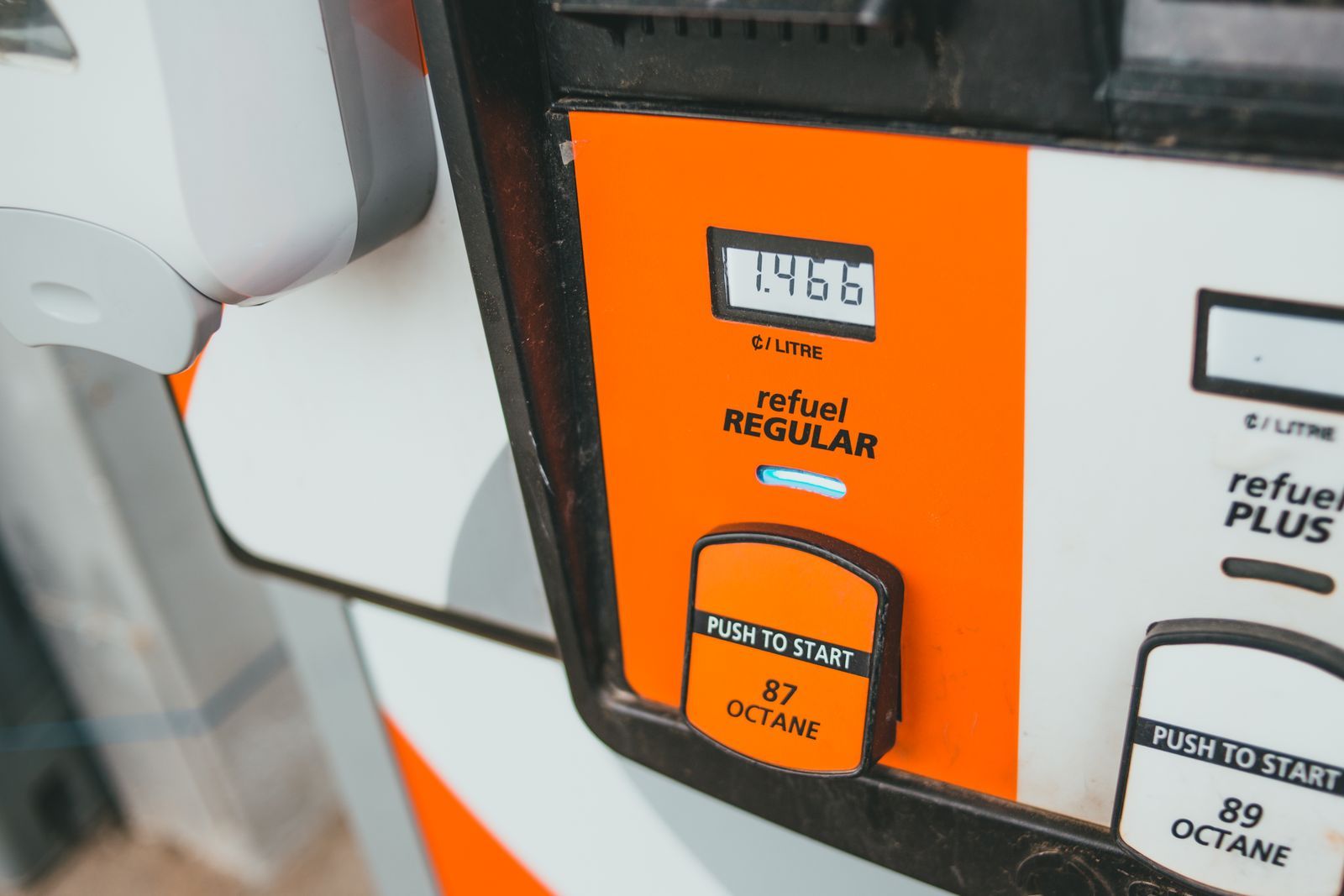
Photo: Erik Mclean / Pexels
Interactive tool
Reading Gas Prices: Your Grade, Your Route
Check off each step as you finish it. Your progress stays on this page.
0 of 6 complete
0% done
How Prices Get Onto the Map
Google does not send inspectors to forecourts. Station prices come from data feeds supplied by fuel price services and station operators, topped up in some markets by reports from drivers. That supply chain explains the feature's two personalities. In well-covered areas the prices are fresh and reliable, refreshed as stations report changes. In thinly covered areas a price can be days old, and some stations show no price at all because no feed covers them.
The practical rule follows from the source: treat a Maps price as a strong signal, not a promise. If the price at the pump differs from the listing, the listing loses; the pump is the fact. Google lets you suggest an edit or report the current price from the station's listing in many regions, which is how the feed heals. Prices are also shown only where the feature is supported; coverage is broad across the United States and much of Europe and growing elsewhere, but it is not universal, and a station without a price is not necessarily an expensive one, just an unreported one.
Finding Prices Near You, Step by Step
- Open Google Maps and tap the Gas shortcut under the search bar (on some screens it appears as a fuel pump chip among the category shortcuts). The map recenters on stations around you, each labeled with its current listed price for the default grade.
- Or type "gas station" or "petrol station" into search. The results list shows prices alongside distance and open hours.
- Tap a station to open its listing. The fuel section shows the price per grade where reported: typically regular, midgrade, premium, and diesel. This detail view is the one to trust, because the map label shows only one grade.
- Tap Directions if you are going, and note the listed hours. The cheapest station on the map is worthless if it closes before you arrive, and rural stations keep rural hours.
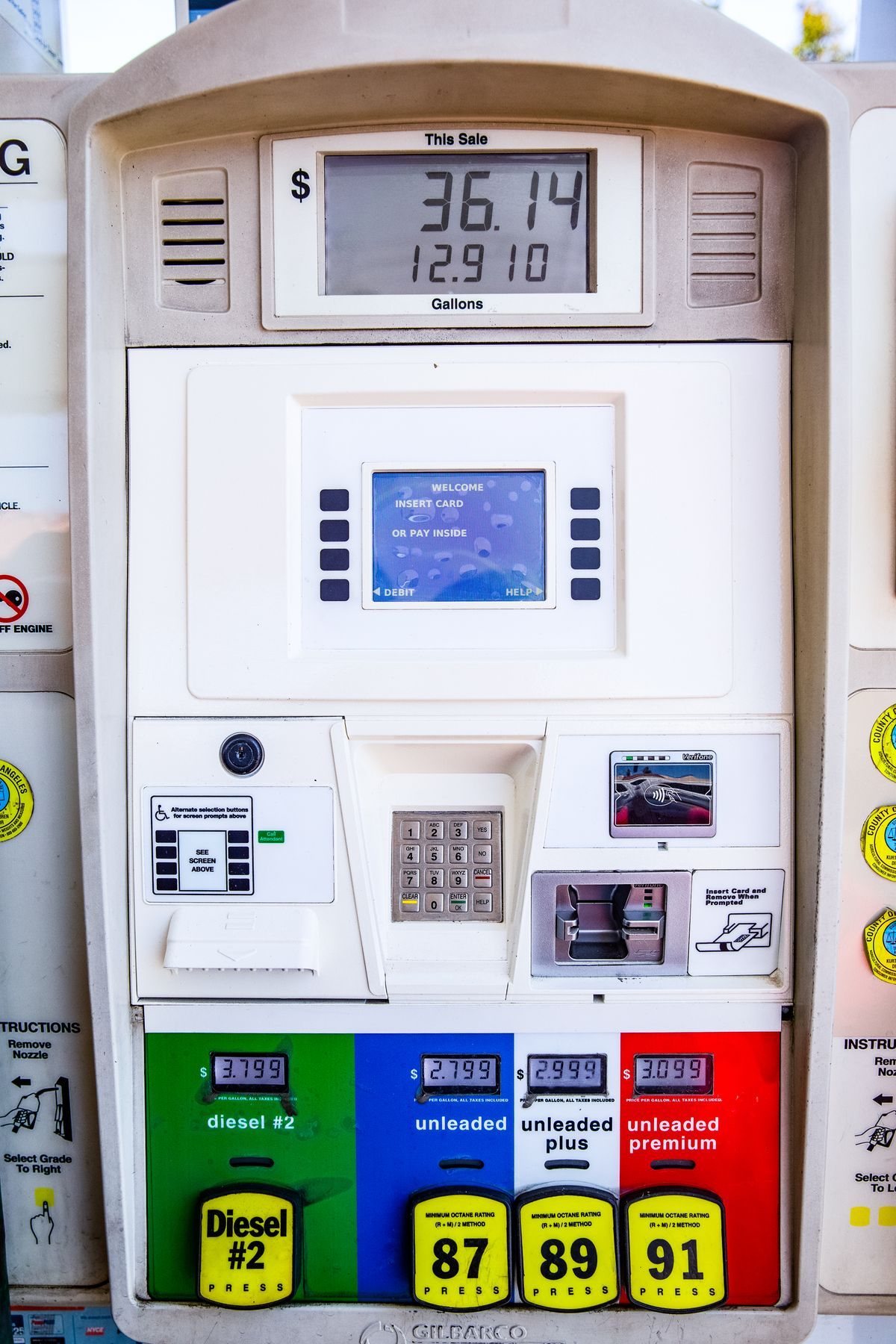
The Grade Trap: The Big Number Is Not Always Your Price
The price shouted on the map label is normally the price of regular gasoline, the highest-volume grade. If your car takes premium (many turbocharged and performance engines require it) or diesel, your price is a different number, often substantially higher, and it lives inside the listing. Comparing stations by their labels while buying premium is comparing the wrong prices: a station with cheap regular can have expensive premium, and the spread between grades varies by station and by market. Build the habit of opening the listing and comparing your grade specifically. The same applies to diesel drivers, whose fuel often prices independently of the gasoline grades entirely.
Prices Along a Route: The Search That Actually Saves Money
The best version of this feature is not finding the cheapest station near home, where you already know the landscape. It is searching along a route, where you do not. With navigation directions set, tap search and choose Gas (or search "gas stations along route"). Maps lists stations near your path with their prices and, crucially, the added time each one costs. A station two minutes off a highway exit at a slightly higher price beats a bargain that costs fifteen minutes of detour, and the list lets you make that trade with real numbers. On a long trip, the winning move is combining the fuel stop with the stop you were making anyway: the station beside the coffee and restrooms at the exit you already needed. Price per gallon matters; price per trip matters more.
Fuel-Efficient Routing: The Other Fuel Feature
Beside prices, Google Maps offers a quieter saving. In Settings, under Navigation and route options, you can tell Maps to prefer fuel-efficient routes when they are about as fast as the quickest one, and on many versions you can set your engine type (gasoline, diesel, hybrid, electric) so the efficiency model matches your car. A fuel-efficient route avoids the steepest hills, the worst stop-and-go, and unnecessary high-speed stretches when the time cost is small. The saving per trip is modest; across a year of commuting it compounds, and unlike a cheap station it costs you no detour at all. If Maps shows a leaf icon on a route option, that is the efficient choice, with its estimated fuel saving shown where the feature is supported.
The UK Fuel Finder: Prices With a Legal Clock on Them
Britain is becoming the best-case version of this system. The UK's Fuel Finder scheme, the government-backed open data service for forecourt prices, launched on Google Maps on 8 October 2026 according to launch coverage, with stations required to report a price change within 30 minutes of making it, and coverage of around 99 percent of UK road fuel. As of November 2026, that makes UK prices on Maps close to live: the number on the listing is the number at the pump, kept honest by a reporting deadline rather than by goodwill. Other countries are at earlier points on the same road, which is why the freshness advice in this article matters more outside the UK than inside it. Where a scheme like this exists, the grade trap is the main remaining error; where it does not, stale prices are the other one.
The Detour Math: When Cheap Is Expensive
Do the arithmetic once and you will never chase a price blindly again. Driving ten minutes out of your way burns fuel and time to reach the saving. If the detour is six miles of driving and your car drinks a gallon every 30 miles, you burned a fifth of a gallon reaching the bargain; if the price gap is 20 cents a gallon and you buy ten gallons, you saved two dollars and spent most of it on the drive, plus ten minutes of your life. The rules that survive the math: buy cheap fuel when it is on your route, near your route, or at a station you pass regularly; fill the tank when you do stop, because the saving scales with gallons bought; and never cross a city for a price. Maps gives you the detour time in the along-route list precisely so this judgment takes two seconds.
Report the Price You Actually Paid
Because the feed partly runs on driver reports, you can repair it. On a station's listing, the fuel section in many regions offers a way to confirm or update the price, and the general "Suggest an edit" flow accepts corrections too. It takes seconds at the pump and it is the difference between the next driver seeing your fresh price or yesterday's. This sounds like unpaid labor for Google, and it is, but it is also the mechanism that makes your own future searches accurate: the system is only as fresh as its last reporter at each station. Drivers who use prices seriously tend to report them, which is why busy stations in well-covered markets are rarely stale, while a quiet rural station can carry an old price for days. Weight your trust accordingly: fresh and busy beats listed and lonely.
Price Cycles and Timing: When You Buy Matters
In some markets, fuel prices do not drift, they cycle. Australia's competition regulator, the ACCC, has documented weekly price cycles in the largest cities for years: prices jump sharply on one day, then discount gradually for days before jumping again. Maps cannot tell you where the cycle stands, but the pattern changes how you use it. In a cycling market, the listed prices matter most on the discount days, and the winning habit is filling up when your regular stations show the low end of their range rather than when the tank forces you. In markets without cycles, prices move with wholesale costs and local competition, and the spread between the cheapest and dearest station on the same street stays surprisingly stable, which makes local knowledge durable: the station that is cheap today is usually cheap next month too. Either way, the app is the measuring tool and the calendar is the strategy. Check prices on the days you would naturally buy, learn your market's rhythm, and let the tank's timing follow the market instead of your dashboard warning light.
The Home Base Strategy: Saving Without Chasing
The drivers who save the most with this feature are not the ones who hunt bargains across town. They run a home base strategy. Pick the three or four stations your normal life already passes: the commute route, the grocery run, the way to the gym. Watch their prices in Maps for a few weeks until you know which is structurally cheapest for your grade. After that, the rule is simple: when you pass the cheap one and the tank is below half, fill up, whatever the day. You capture nearly all of the available saving, because the spread between stations is mostly fixed, and you spend none of your life detouring. The along-route search then handles the exception, the road trip, where the home base does not apply. This division of labor is the mature way to use the feature: knowledge for the routine, search for the journey.
Related Guides
If this page answered part of the question, these map app guides cover the rest of the same ground:
- How to Save a Route in Google Maps: Pin It, Shortcut It, Send It: Saving a route in Google Maps means four different things depending on where you tap, and only one of them keeps the route itself.
- How to Import a GPX File Into Google Maps: The My Maps Route, Step by Step: Google Maps itself cannot open a GPX file, but Google My Maps, the same account's custom map maker, imports GPX directly, along with KML, KMZ,...
- How to Measure Area in Google Maps: Close the Shape, Read the Land: Google Maps can measure the area of a field, a roof, or a plot of land, but only in one place: on a computer, where closing a measured shape turns...
- How to Search Nearby in Google Maps: Find Places Around Any Point: The general nearby search that this fuel workflow is one category of.
Frequently Asked Questions
Why does Google Maps show a different price than the pump?
Prices come from operator feeds and driver reports, and a station can change its price after the last report. Outside the UK's Fuel Finder scheme, which as of November 2026 requires reporting within 30 minutes, treat the listed price as a recent signal. The pump price is always the fact.
How do I see the price of premium or diesel instead of regular?
Open the station's listing and read the fuel section, which lists prices per grade where reported. The label on the map shows the default grade, usually regular, so comparing stations for premium or diesel has to happen inside the listings.
Can I find gas prices along a road trip route?
Yes. Set your directions, then use search along route for gas stations. The results show prices with the added time each station costs, so you can pick the stop that combines a good price with a short detour.
What is the fuel-efficient route option in Google Maps?
It is a route preference that favors roads using less fuel (fewer hills, less stop-and-go) when the arrival time is close to the fastest route. Set it in the navigation route options, and set your engine type so the estimate fits your vehicle.
Does Google Maps show gas prices everywhere?
No. Coverage is strong in the United States and much of Europe, and the UK's Fuel Finder integration made British prices near-live as of late 2026, but many countries have partial or no price data. A station with no listed price is unreported, not necessarily expensive.
Photo credits: Erik Mclean (Pexels); Ekaterina Belinskaya (Pexels). Photos are served from this site; follow the credit to the library page for the original.