Every day, millions of people type "coffee" into Google Maps standing in their own kitchen, then wonder why the results ignore the neighborhood they are actually traveling to next week. The search box answers around the point it thinks you mean, and the skill in nearby search is controlling that point. Google gives you three ways to set it: your own location, a place you search for first, and the map area you are looking at. Master the three anchors and the same box that produced a page of hometown cafes produces the right cafes around a hotel you have not checked into yet.
How to Search Nearby in Google Maps: Find Places Around Any Point
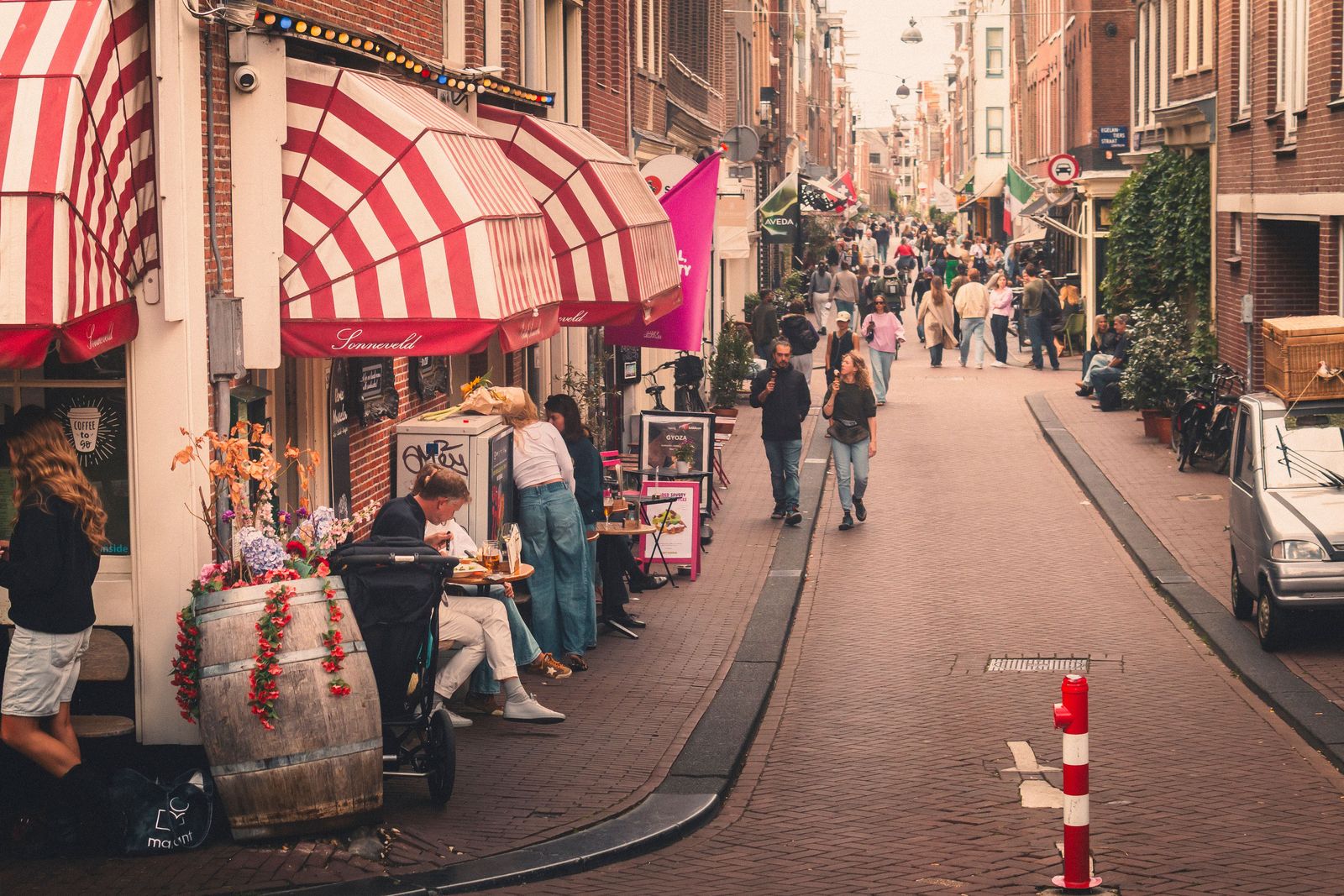
Photo: Vinicius A. Nascimento / Pexels
Interactive tool
Search Where You Are Going: The Nearby Checklist
Check off each step as you finish it. Your progress stays on this page.
0 of 7 complete
0% done
The First Anchor: Around You
The default nearby search needs no anchor work at all. Open Maps, tap the search box, and either type a category (pharmacy, gas station, parking) or tap one of the category chips that sit under the box: Restaurants, Coffee, Gas, Hotels, and their rotating kin. The results are the matching places around your current location, ranked and mapped, with the closest cluster drawn first. This is the mode for the errand you are already out on, and its one discipline is honesty about your location: if the blue dot is wrong, every result is wrong with it, so the rare wrong-anchor mystery is usually a location problem wearing a search costume.
The Second Anchor: Around a Place You Search First
The trip-planning mode, and the one this guide exists to teach, anchors the search to a place rather than to you:
- Search for the anchor place first: a hotel, a station, a friend's address, a landmark. Open its card.
- Tap Nearby on the place card.
- Choose a category or type your own term. The results now cluster around the anchor, not around you.
The same anchor works in sentence form. Type "coffee near Central Park" or "pharmacy near Gare de Lyon" directly into the box, and Maps parses the second half as the anchor. The syntax generalizes to any place name the map knows, including your own labeled places, which is one reason the labeling system is worth setting up: "breakfast near Nina's" is a real query once Nina's is your label for her flat.
On desktop the pattern is identical and slightly more visible: search the anchor, and the Nearby button sits in the place panel. For planning a stay, work outward in rings: restaurants near the hotel, then a supermarket near the hotel, then the pharmacy, and a neighborhood's real convenience assembles itself before you book. A hotel can be cheap and still expensive in daily friction; nearby search is how you price the friction in advance.
The Third Anchor: Search This Area
The third anchor is the map itself. Pan and zoom to any territory, your own neighborhood or a city you have never visited, and a Search this area button appears. Tap it with a category active, or type the category after positioning the map, and the results repopulate for the visible frame. This is the explorer's mode: it answers "what is in this part of town" rather than "what is near that point," and it respects the frame strictly enough that zooming two streets tighter genuinely changes the answer. Combine it with the anchor method for the classic planning question: the anchor finds the district, Search this area walks it.
How the Ranking Actually Works
Google documents three ranking factors for local results, and knowing them turns the results list from weather into something you can steer:
- Relevance: how well the place matches what you asked for. A cafe that serves breakfast matches "breakfast" better than a cafe that merely exists near one.
- Distance: how far the place is from the anchor, whether that anchor is you, a searched place, or the map frame.
- Prominence: how well known the place is, in the world and in Google's data: review volume and rating, web presence, and general fame all feed it.
Prominence is the factor that explains the results that feel wrong: the famous place two kilometers away outranking the excellent unknown one street over. The counter-move is mechanical. Zoom the frame tighter so distance reasserts itself, or sort and filter where the app offers it (open now, rating, price), or search a narrower category ("espresso bar" instead of "coffee") so relevance does the cutting. The list is a negotiation among three factors, and each control you touch reweights it.

Filters: The Second Half of the Search
The chips that appear above results during a search are not decoration. Open now, rating thresholds, and price levels cut the ranked list by the constraint that actually matters at 9 p.m. in the rain. Two habits separate a clean search from a scroll: filter before you read, because the unfiltered list's order will anchor your judgment even when its top entries fail your real constraint; and read the map, not just the list, because the cluster shape tells you whether you are looking at a district of options or a single outpost. A tight cluster means choice and competition; a lone pin means plan around its hours.
Worked Example: The Restaurant Question, Done Properly
The most common nearby search on earth deserves a proper run. "Restaurants near me" typed at home produces the fame-ranked list of your own neighborhood, which you already know. The same need on a trip runs better as: anchor to the hotel with Nearby, filter to open at your actual dinner hour, set the rating floor you trust, then read the map for the cluster, because the street with six kitchens is a better bet than the lone top-rated pin across a highway. Our route planner guide picks up where this ends, turning the chosen few into an evening's order; and when the meal is a stop on a drive rather than a destination, the corridor version of this search, searching along a route, is the right tool instead.
Nearby Search on Desktop vs Phone
The engines are the same; the furniture differs. Desktop gives you the bigger frame, which makes Search this area genuinely more powerful for district research, and the place panel keeps the Nearby button in view. The phone gives you your live anchor, the chips at thumb reach, and the compass of your own movement. Plan on the desk, execute on the phone is the rhythm that suits both, with one caution: a search saved nowhere is a search repeated at the curb. When a result earns a place in the trip, save it to a list on the spot, which the saved places guide covers, or label the anchor so the next nearby search starts from a name you remember.
The Category Vocabulary: Asking in the Map's Own Words
Nearby search rewards searchers who speak the map's category language. Google's places are filed under a taxonomy, and queries that name a filed category ("pharmacy," "hardware store," "bakery") retrieve the file; queries that name a craving ("something sweet," "the good bread place") retrieve the map's best guess at the craving's address. The practical translation habits: search the trade, not the product, when you need a shop ("bakery," not "croissant"); search the product when you need a dish, and accept that restaurant menus are thinner data than shop categories. Add the qualifier that matters as a second word the engine understands: "pharmacy open now" works because hours are data; "pharmacy friendly" does not, because friendliness is not. And when a category fails in a foreign city, fall back to the anchor trick with a landmark: results near a known anchor can be browsed on the map even when the category word in the local language defeats you, because the pins carry icons, and icons are the taxonomy drawn instead of spelled.
Chains, Independents, and Reading Prominence Backwards
The prominence factor has a social consequence worth knowing how to correct. Chains and famous independents accumulate the reviews and web presence that prominence feeds on, so the unfiltered nearby list leans corporate and celebrated, and the small place with eleven reviews starts life three pages down. Travelers who prefer the local and the new can read the ranking backwards on purpose: apply the rating filter to cut the careless, then scroll past the famous first screen and read the map's pins in the side streets, where the distance factor has already done quiet work and the survivors are near, decent, and undiscovered by the list's top. This is not a hack; it is using the documented factors as instruments, distance and relevance up, prominence discounted by hand, and it is the difference between eating where the neighborhood eats and eating where the neighborhood's visitors are sent.
When Nearby Search Misbehaves
Results cluster somewhere you are not. The anchor is not what you think: a stale searched place, a map frame left over from planning, or a blue dot that has not caught up. Re-anchor deliberately with one of the three methods instead of retyping the category.
A known place does not appear. It may be filtered out (closed at the filtered hour), outranked beyond the visible list by prominence, or missing from Google's data at that category. Search its name directly to separate a data problem from a ranking problem.
Everything is far away. In sparse territory the honest answer is a long list of distant pins. Widen the frame, drop the rating filter, and treat the nearest cluster as the destination, because out there, nearby is a relative term and the map is telling you so.
Related Guides
If this page answered part of the question, these map app guides cover the rest of the same ground:
- How to Search Along a Route in Google Maps: Stops Judged by Minutes Added: The corridor version of this search, for finding stops along a drive instead of around a point.
- Google Maps Route Planner: Multi Stop Routes Done Right, and Their Honest Limits: Turning the places a nearby search finds into an ordered route.
- Google Maps Gas Prices: Find Prices Along Your Route and Read Them Right: The fuel category in depth, the nearby search drivers run most.
- How to Label Places in Google Maps: Private Names That Stay Yours: Naming your anchors, so nearby searches can start from the places you actually remember.
Frequently Asked Questions
How do I search near a place I am not in?
Search for the place first and open its card, then tap Nearby and choose a category. Or type the whole thing as a sentence: "coffee near Central Park." The results cluster around that place, not around your current location.
Why does a famous place far away outrank a closer one?
Because prominence is one of the three ranking factors, alongside relevance and distance. A well known place can beat a nearer unknown one. Zooming the map frame tighter or narrowing the category reweights the ranking toward distance and relevance.
What does Search this area do?
It reruns the search for the map territory currently on your screen. Pan and zoom to a district, tap Search this area, and the results describe that frame, which makes it the right tool for exploring a neighborhood rather than a point.
Can I search near one of my own labeled places?
Yes. Labels work as anchors: once a place carries your label, typing "breakfast near" plus the label finds results around it. Labels are set up from the place card, under More, Add label.
Why do my results show my hometown when I am planning a trip?
Because the default anchor is your current location. Type the category near the destination instead, or search the destination first and use its Nearby button, and the results will describe the trip instead of home.
Photo credits: Vinicius A. Nascimento (Pexels); Oğuzhan Karataş (Pexels). Photos are served from this site; follow the credit to the library page for the original.